
Your Duo, Your OOUUH Moment
Turn two portraits into a funny kitchen performance. Assign one person to the ukulele and the other to vocals, then swap roles for a different version.
Turn your photos into an OOUUH AI Kitchen Duet. Put yourself, a friend, or your pet in a playful ukulele-and-vocals performance inspired by the Fredo Bang “What You Want Me To Do” trend. Customize the cast, copy a ready-to-use prompt, and create a shareable AI video.
Use clear photos of your singer and ukulele player; results depend on the selected AI model.

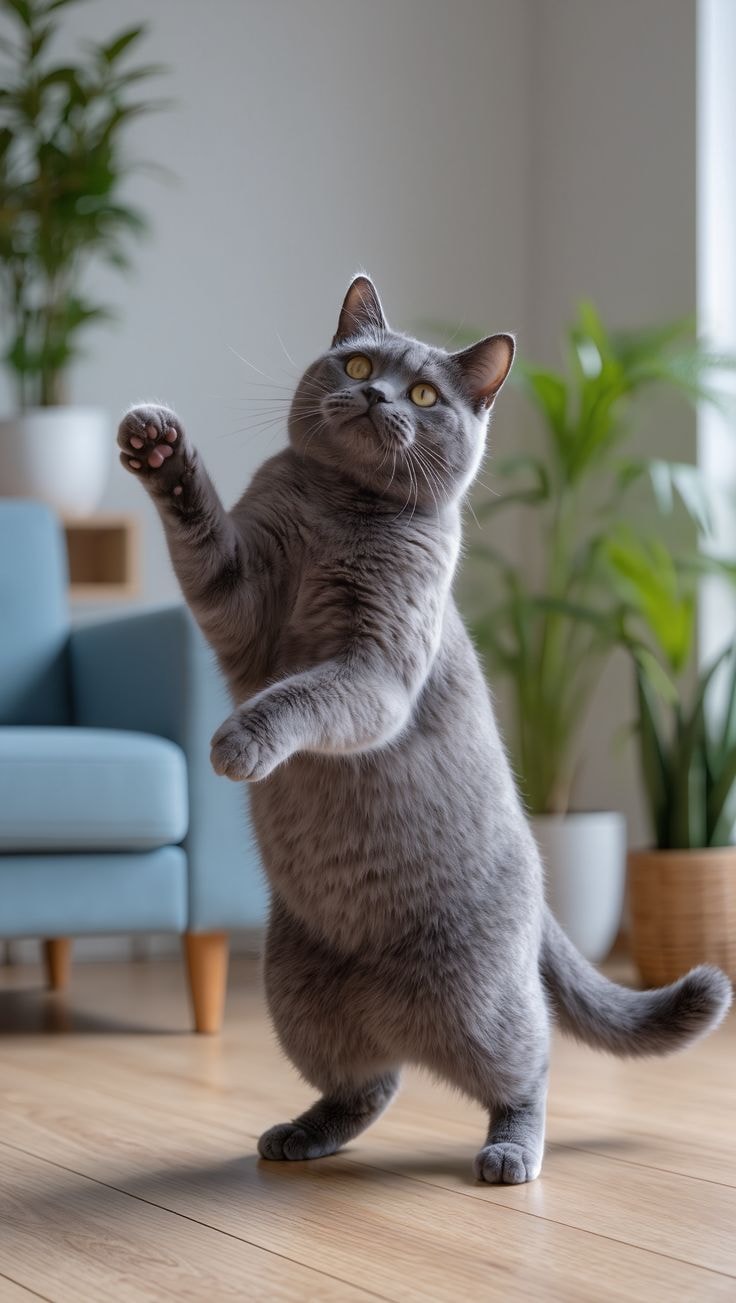
A familiar kitchen-video setup, rebuilt around the people and pets you choose.
Turn two portraits into a funny kitchen performance. Assign one person to the ukulele and the other to vocals, then swap roles for a different version.
Recreate the casual phone-video look: ukulele strumming on the left, expressive singing on the right, head tilts, smiles, and lively reactions.
Try a best-friend duet, a couple performance, or a playful pet remix. Describe the subject’s face, fur, outfit, and movement to help preserve its identity.
Plan a vertical 9:16 clip for TikTok, Reels, or Shorts. Add licensed audio during editing when the generator does not support the original soundtrack.
Choose the cast, direct the performance, and get a share-ready concept in one focused flow.
Upload a clear photo of the singer and another of the ukulele player. Some tools allow a single subject to play both roles; check your selected model’s input options.
Describe the singer on the right, ukulele player on the left, warm indoor lighting, natural phone-camera framing, and expressive gestures. Use a motion reference only if supported.
Generate your Fredo Bang-inspired AI video. Review hands, faces, instrument contact, and lip movement. Add audio you have permission to use, then export your favorite version.
Copy this prompt into Media.io or a compatible image-to-video tool. Adjust the characters and choose music you have rights to use.
Create a photorealistic vertical 9:16 AI kitchen duet video inspired by a casual viral phone recording. Two characters stand side by side in a cozy apartment kitchen at night. Character 1 on the left strums a small ukulele with believable finger movements and smiles. Character 2 on the right sings an upbeat, original melody, sways with one hand near the chin, tilts the head back on a long note, and reaches playfully toward the camera. Maintain each subject's recognizable face, hairstyle, outfit, and body proportions from the supplied photos. Single continuous handheld shot, natural room lighting, joyful timing, clear instrument, realistic hands, no extra people, no logos. Do not imitate a real person's voice or use copyrighted audio without permission.
Start with a direction, then swap the faces, roles, and kitchen details.
“I would cast my best friend as the singer and myself as the ukulele player for a playful kitchen reel.”
“A pet version could make the two-person performance unexpectedly funny while keeping my dog recognizable.”
“The simple camera framing lets the expressions and ukulele become the focus of the scene.”
Pick a visual direction and carry the same account through every experiment.
 Viral Video Generator
Recreate the short-form moments people love
 AI Story
Turn a simple idea into a visual story
 AI Dance Trend
Build playful movement for social clips
 AI Minecraft Filter
Explore the block-built world look
 AI Age Filter
See how a portrait can change over time
 AI Kissing Effects
Create a cinematic two-person moment
 AI Headshot Generator
Make polished studio-style portraits
 Gender Swap
Try a quick identity-inspired remix
 AI Smiling Filter
Add a brighter expression in seconds
 AI Polaroid Filter
Bring a nostalgic instant-photo feel
 Celebrity Look-Alike
Find a striking visual resemblance
 AI Ads
Turn a product idea into a short ad
Straight answers about the trend, source photos, music rights, and the prompt behind the duet.
It is a photo-to-video remix inspired by a kitchen performance featuring Fredo Bang singing and Einer Bankz playing ukulele. AI versions place new characters in the singer and player roles. “What You Want Me To Do AI trend” is another common search phrase.
Start with clear photos, assign the singer and ukulele player, and use an OOUUH AI video prompt to describe the scene and movements. Generate with a compatible image-to-video model, review the output, and add appropriately licensed audio if needed.
Some specialized templates can place the same subject in both roles. Other workflows need two separate images or a combined scene image. Media.io capabilities vary by selected model; check available inputs before generating.
Do not assume it does. The original song and recording may be protected by copyright. A general-purpose AI video generator may produce silent video or its own audio. Add music you have permission to use during editing.
Specify the kitchen setting, left-side ukulele player, right-side singer, handheld phone framing, head-back singing gesture, believable strumming, and consistent faces. If exact choreography matters, use a reference-video-capable workflow when available.
Bring two recognizable characters together for a joyful, phone-camera performance built for the next social trend.